Understands the cooking
ReciReel uses the actual video as evidence instead of treating the caption as the whole recipe.
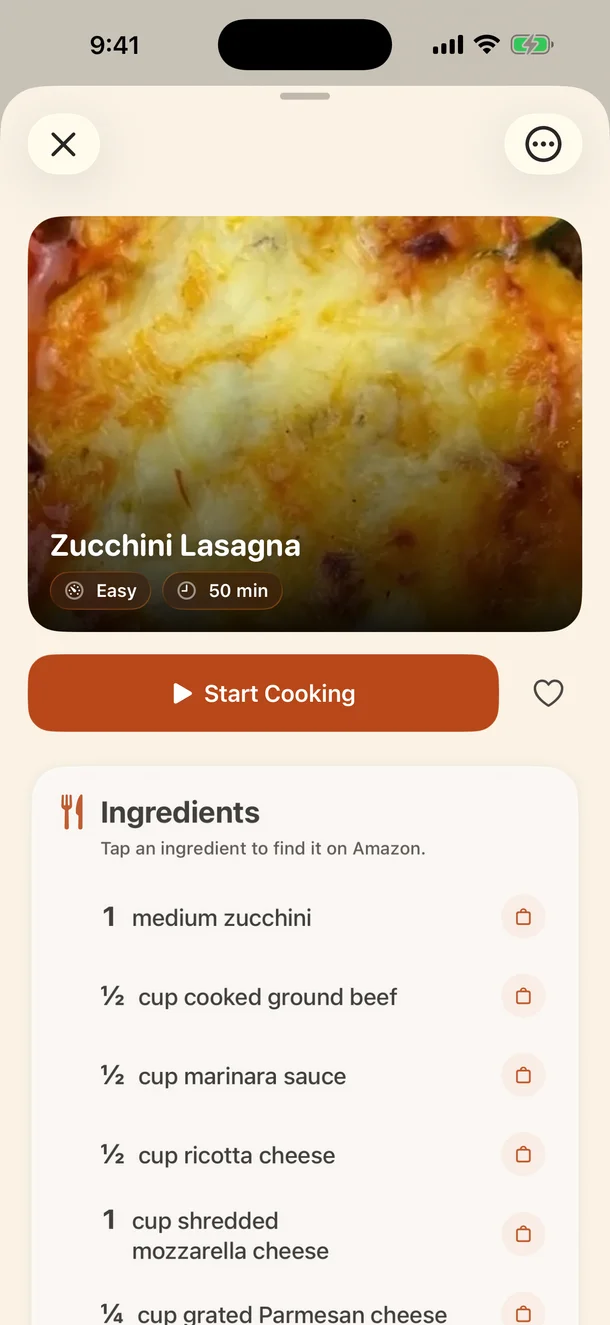
ReciReel follows the actual cooking—not just the caption—then gives you ingredients, clear steps, estimated nutrition, equipment, and the useful details the video left out.

Instagram · TikTok · Facebook · YouTubeUsually ready in a couple of minutes
Free imports get the full ReciReel result. Plus raises the number of imports—not the quality of each one.
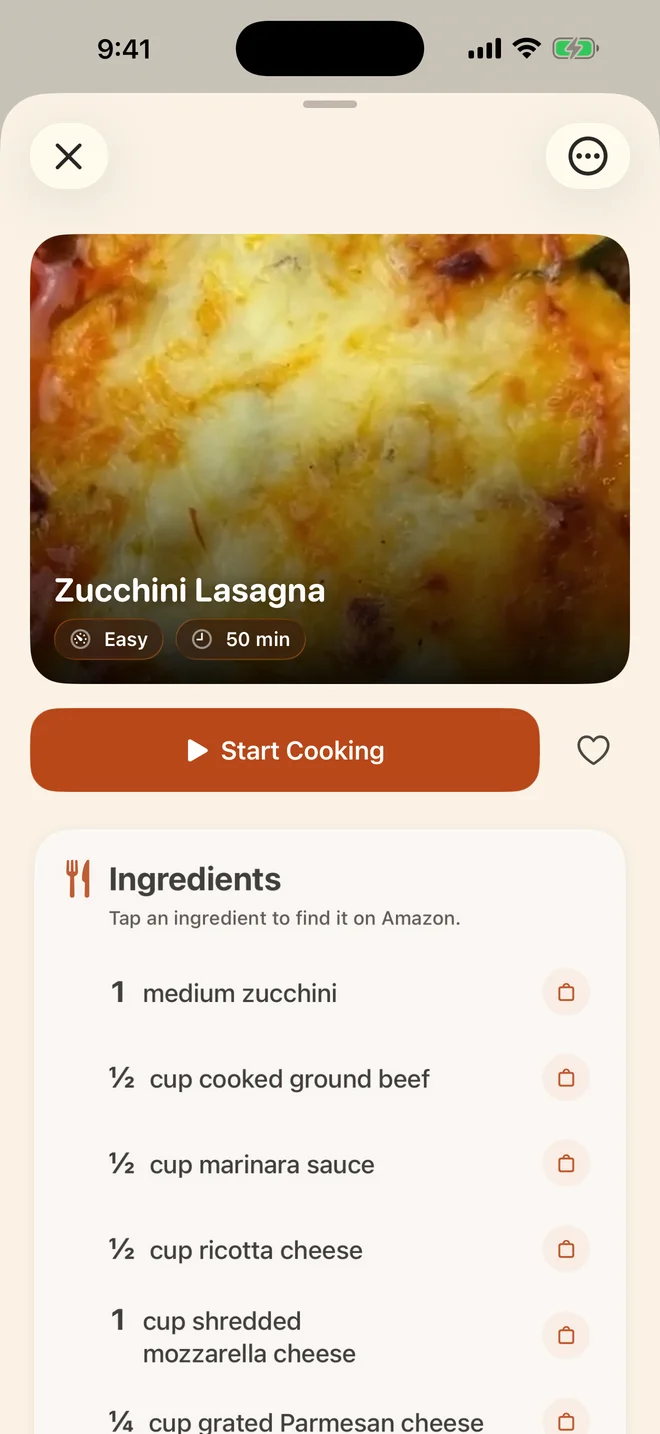
How it works
The magic is not another place to paste text. It is the change from a video you would scrub through to a recipe you can actually use.
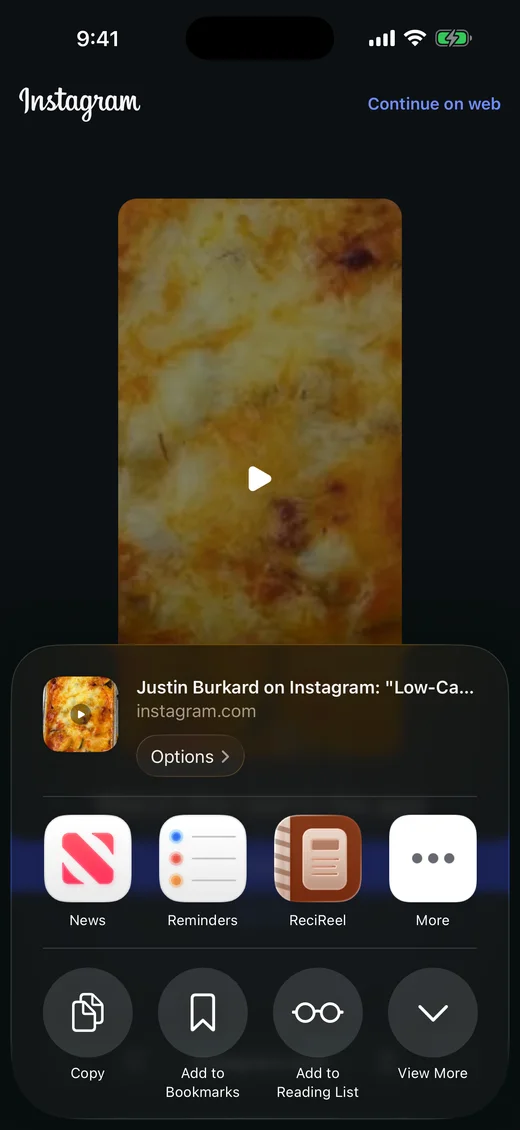
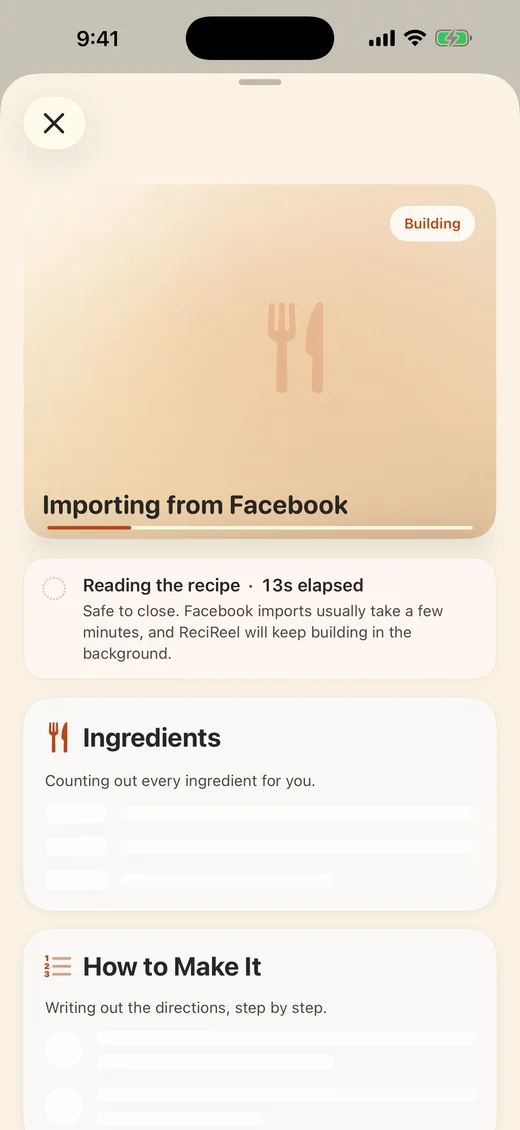
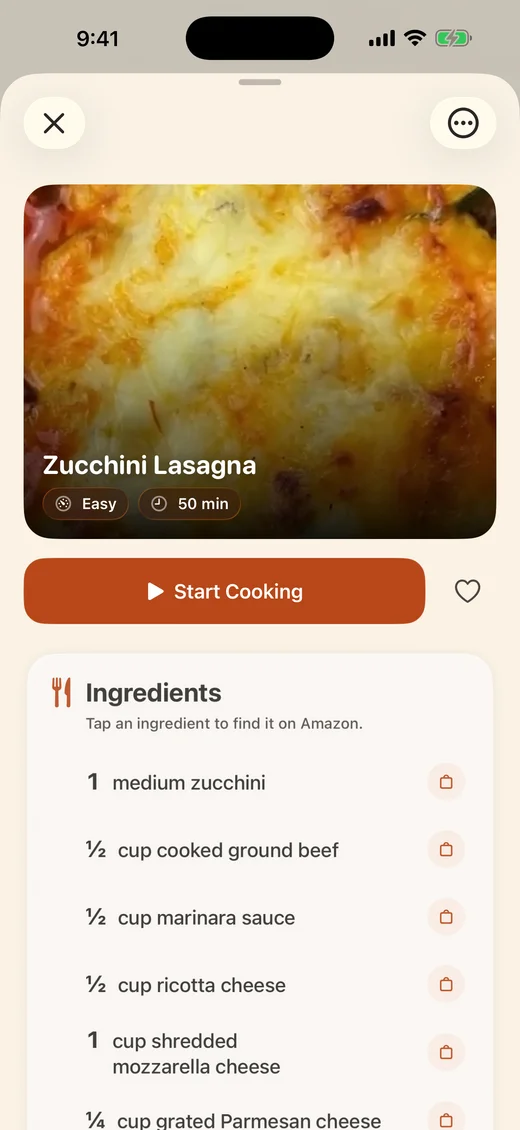
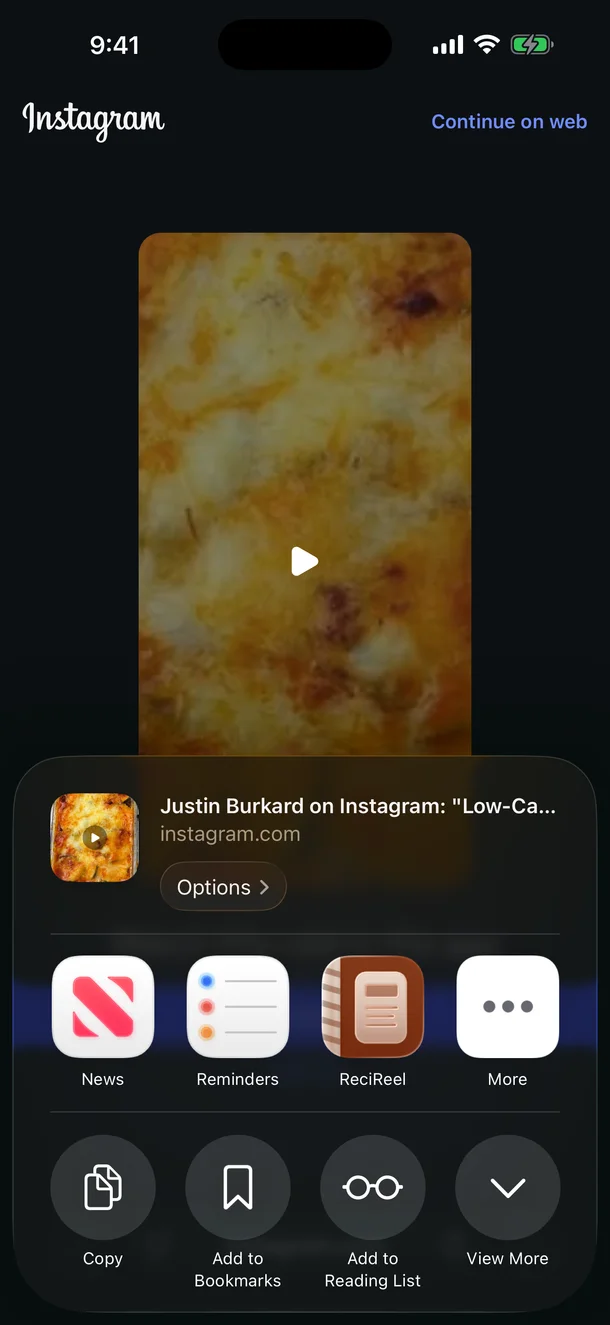
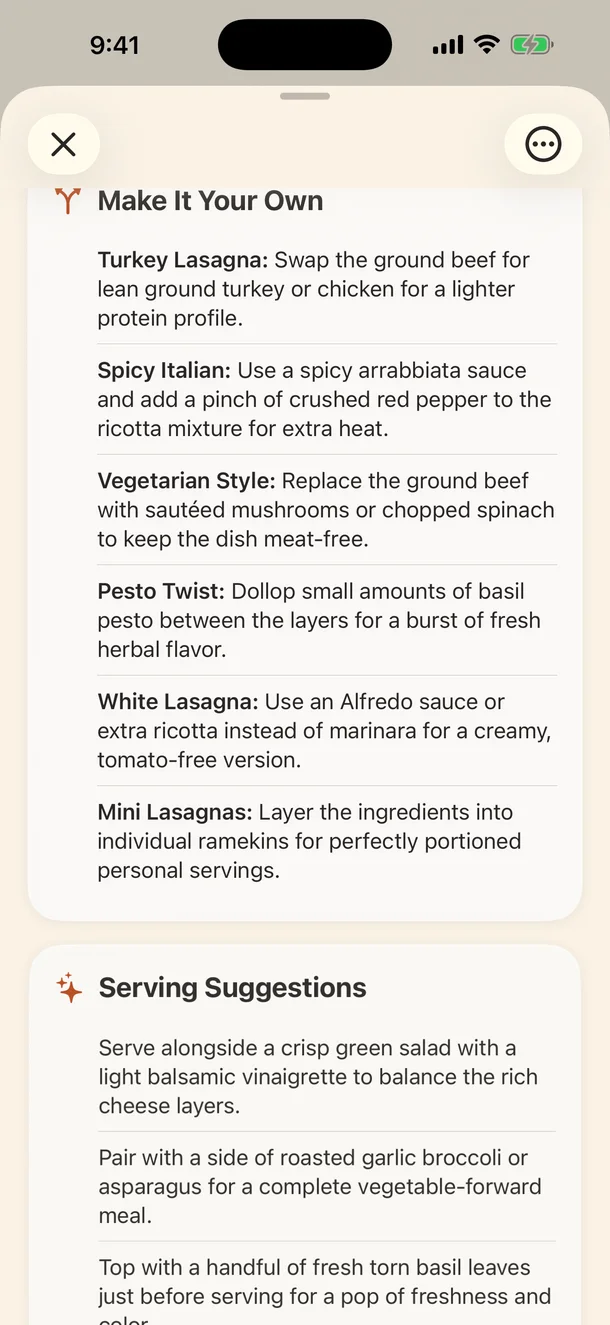
A real ReciReel recipe · useful details beyond ingredients and steps
Why ReciReel
A good recipe answers the questions that appear after you decide to cook. ReciReel turns scattered visual clues into practical guidance for tonight and tomorrow.
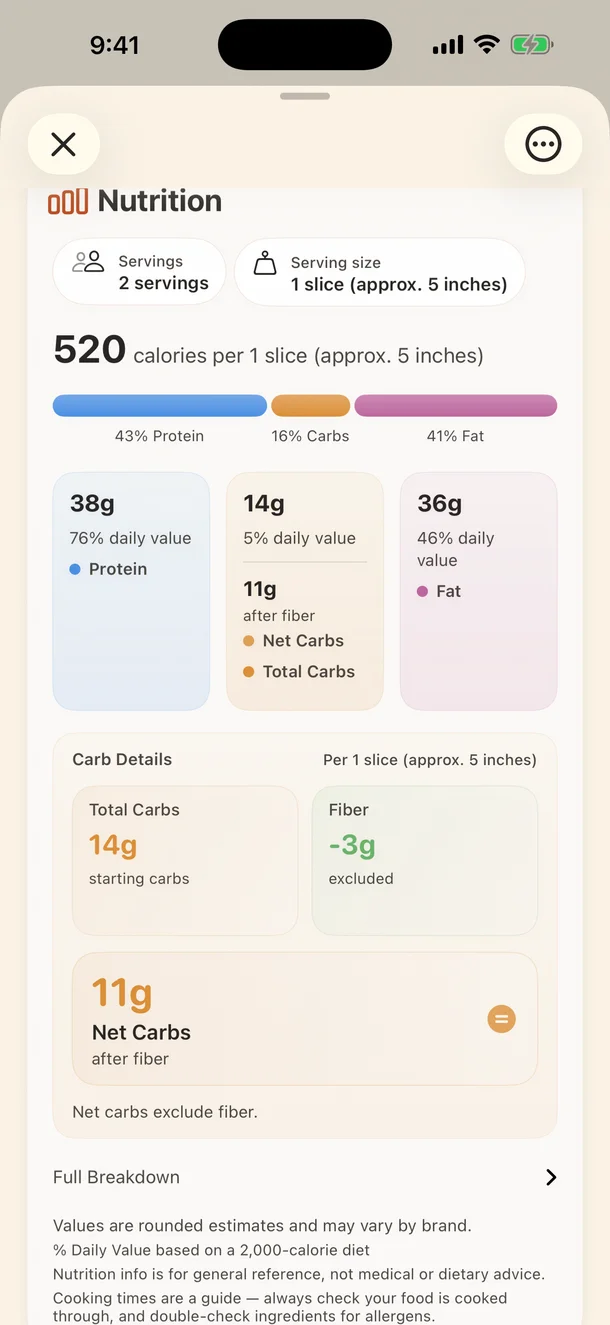
Estimated nutrition
See estimated calories and macros per serving, including carbohydrate detail and net carbs when available. The serving basis stays visible so the numbers mean something.
Rounded estimates for general reference. Values can vary by ingredient brand and preparation; not medical or dietary advice.
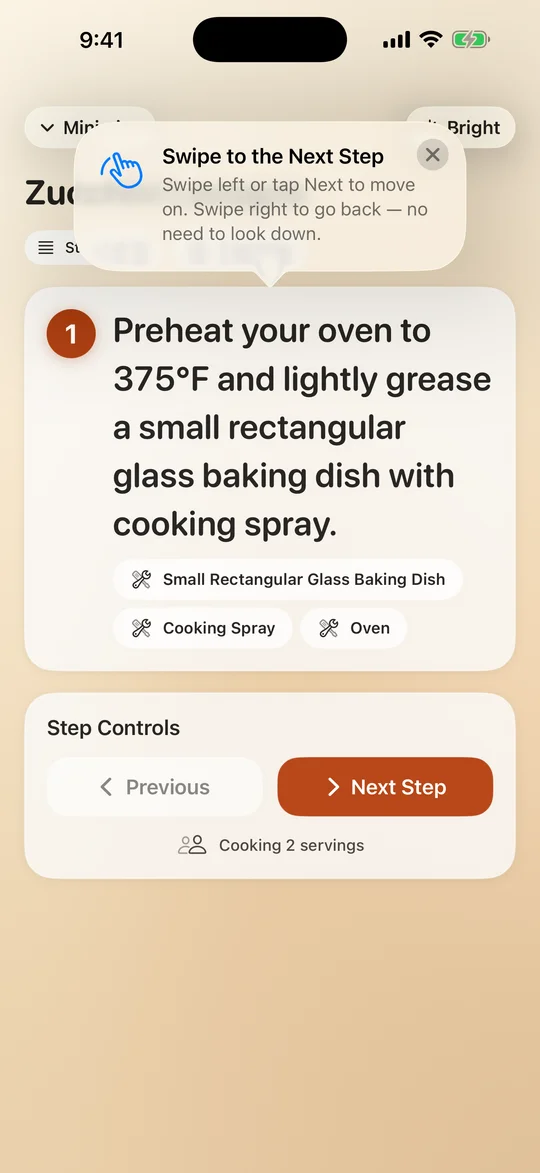
Cook Mode
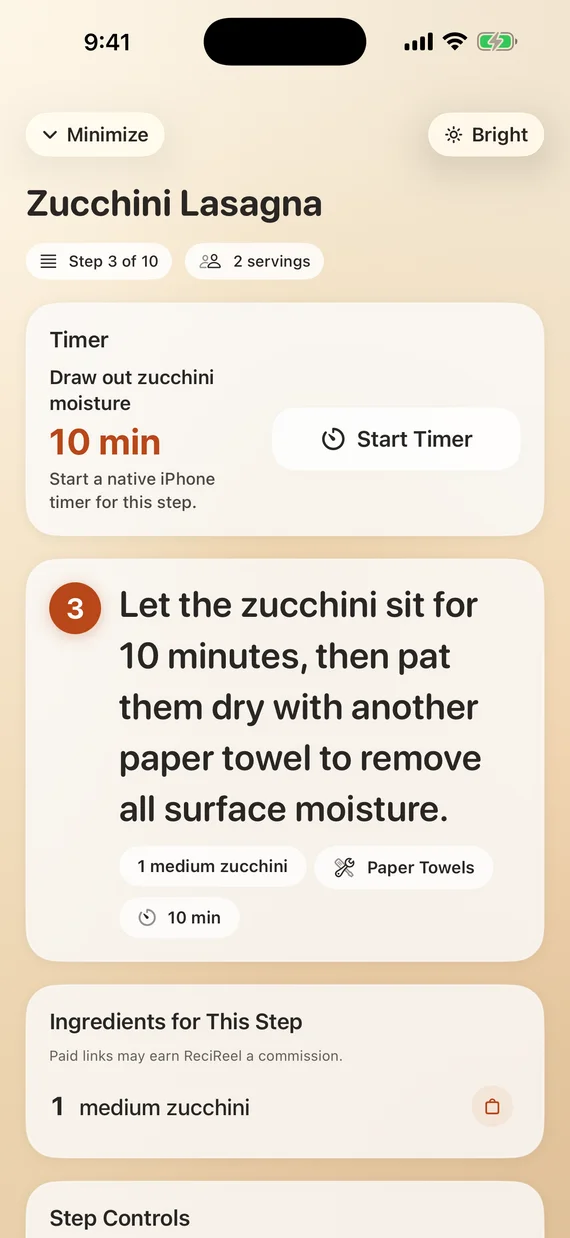
Once the recipe is ready, the design gets out of your way. Cook Mode keeps one clear step in focus while the details you need stay close.
Your personal cookbook
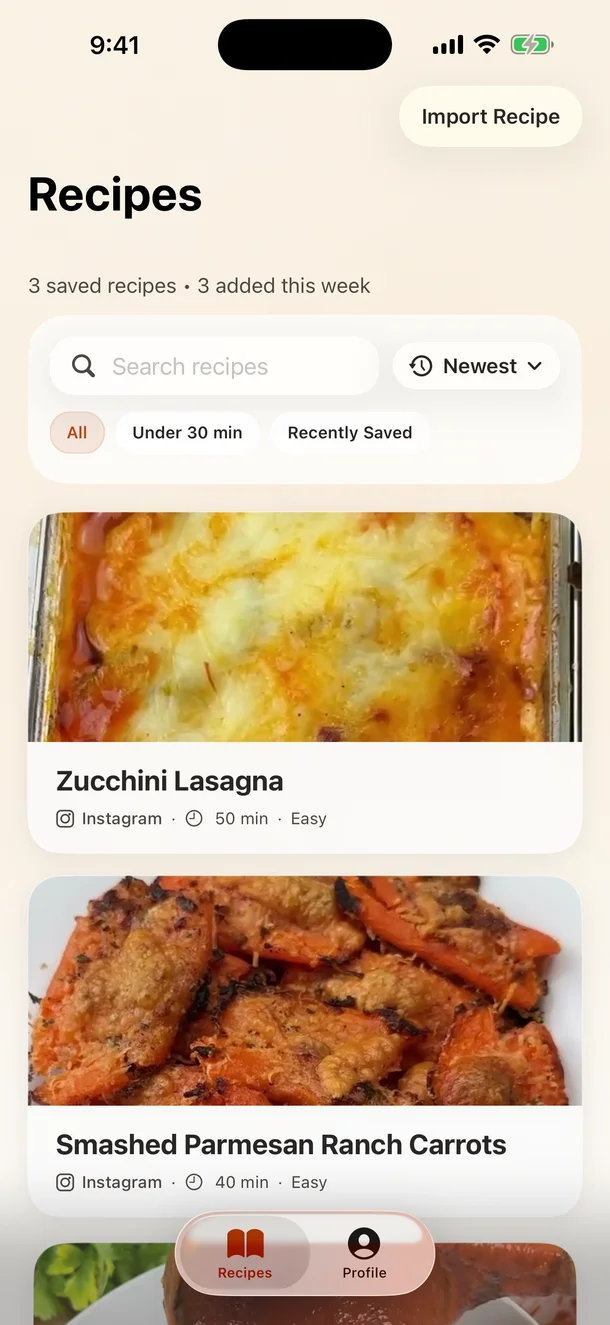
The goal is not to save another link. It is to build a calm library you can search, filter, favorite, and return to when it is time to cook.
A different kind of recipe saver
ReciReel uses the actual video as evidence instead of treating the caption as the whole recipe.
It organizes the core recipe and adds the nutrition, variations, equipment, and guidance cooks look for next.
Cook Mode, step ingredients, readable controls, and native timers carry the recipe into the kitchen.
Straight answers
ReciReel should feel impressive because it is useful—not because it hides how the work happens.
The shared link, text or caption, video, or frames may be sent to Google Gemini for recipe generation.
Your account, Apple ID, purchase data, saved library, and personal app data stay outside that recipe-generation handoff.
The source link remains with the recipe, and creator credit appears when the source makes it available.
No ads, no third-party tracking SDKs inside the app, and no sale of your personal data.
Simple pricing
Every successful import gets the same complete ReciReel experience. Plus changes how many recipes you can import each month—not how much care goes into each one.
Free
3 starter imports
then 1 new import each month
ReciReel Plus
50 imports a month
$4.99/month · $49.99/year
Subscriptions renew automatically unless cancelled at least 24 hours before the current period ends.
Good questions
No “any video” promises. No mystery around AI, nutrition, or the free plan.
ReciReel is focused on supported public cooking video links from Instagram, TikTok, Facebook, and YouTube. Private posts, deleted posts, unsupported source shapes, and videos without enough cooking evidence may fail.
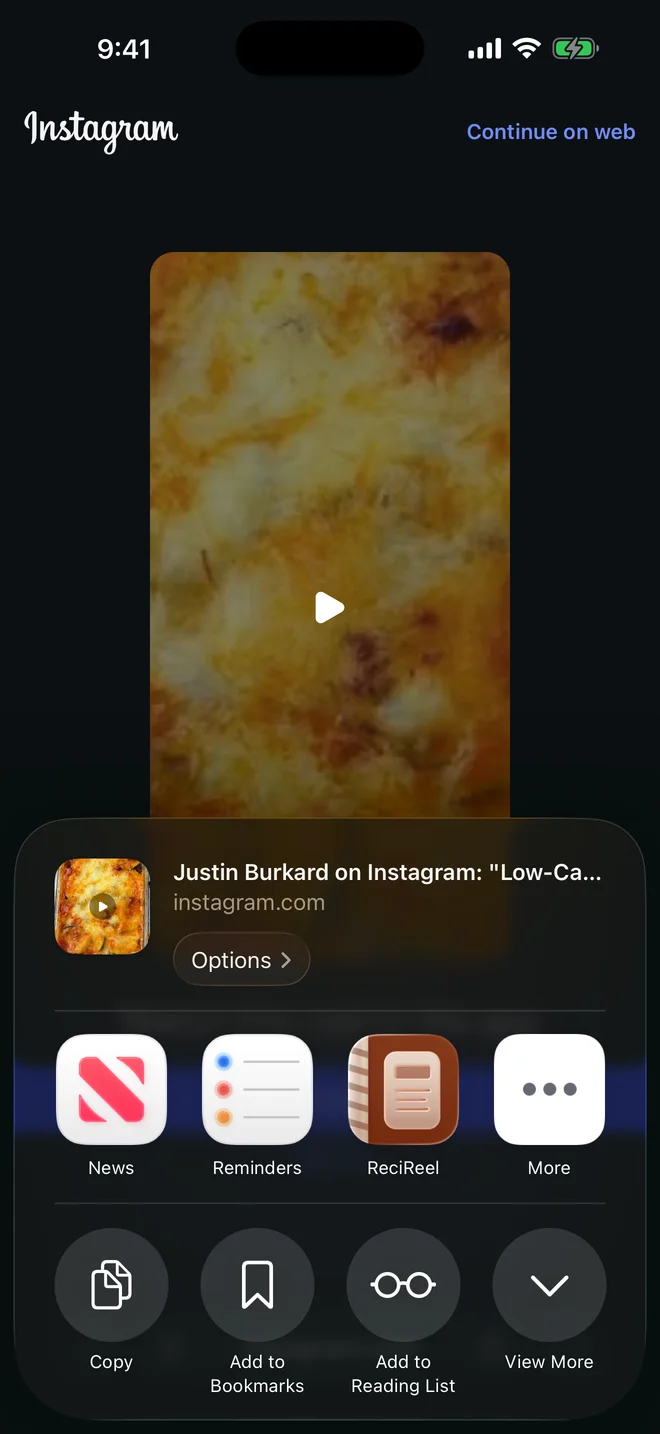
No. Tap Share and choose ReciReel, or paste the supported link inside the app. ReciReel follows the cooking and writes the recipe.
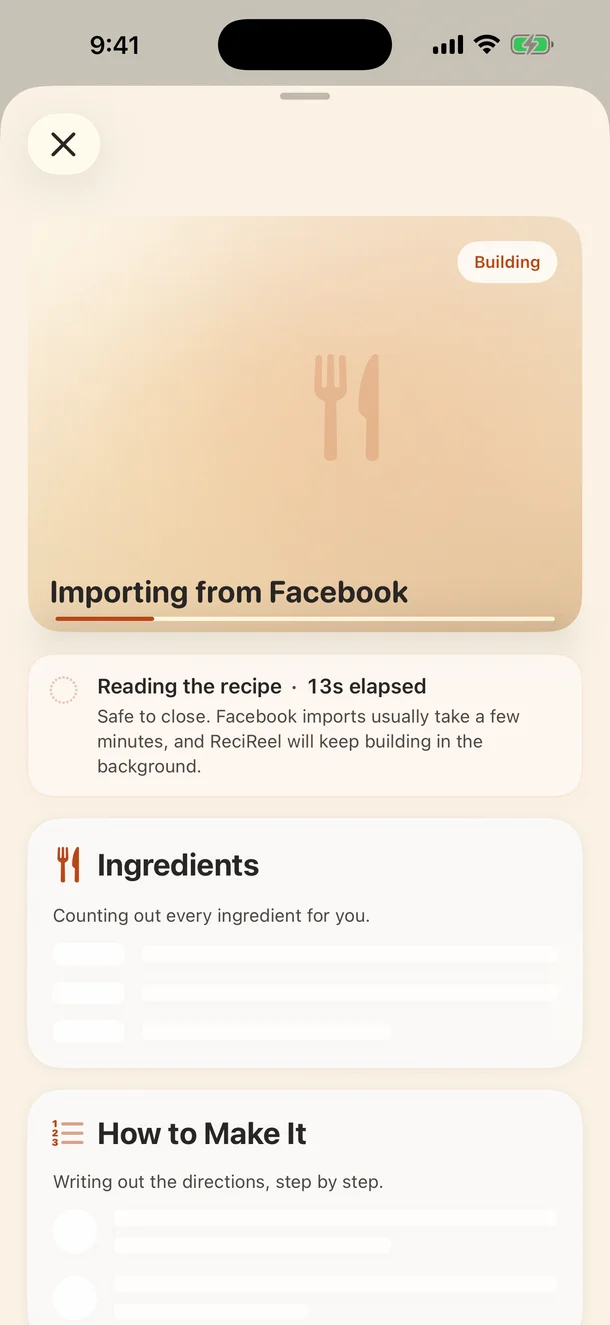
Usually a couple of minutes. Timing can vary with the source and processing, and you do not need to keep watching the import screen.
ReciReel is an iPhone app for iOS 18 or newer. There is no Android or web-app version at launch.
ReciReel uses AI to build a strong cooking head start from the actual video, but cooks should still review amounts, cook times, allergens, and doneness. Nutrition values are rounded estimates for general reference, not medical or dietary advice.
Free includes 3 starter imports. After that, you receive 1 new import each month, and unused monthly imports do not carry over. Recipes you already saved remain in your library when you stay on Free.
To build a recipe, ReciReel may send the shared source link, page text or caption, video, or frames to Google Gemini. Raw video is used for processing and is not kept as part of your saved recipe.
The next one can be dinner
Free to try on iPhone, with your first 3 complete imports included.